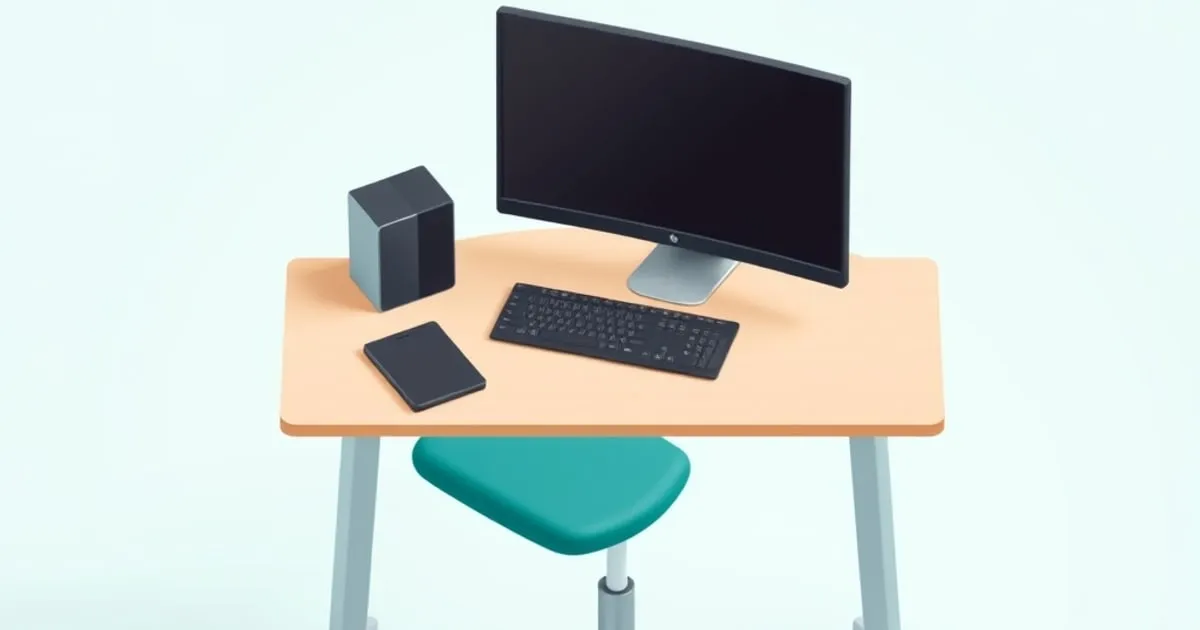
A standing desk and chair bundle should be compared as two adjustable pieces of furniture serving one person. Matching colors or buying both from one seller does not establish fit. The connection is your seated elbow position: the chair must support you while the keyboard surface remains reachable with relaxed shoulders.
The three pairings below are editorial shopping combinations, not packaged vendor offers. Their budgets are planning ceilings, not live quotes. The specifications come from the linked manufacturers; the compatibility judgments are conditional on your measurements and the exact configurations you order. There are no claims of hands-on stability, comfort or component lifespan.
Use the ergonomic setup calculator before pricing a bundle. Confirm the estimated seat and input heights with a tape measure, then compare the chosen desk’s finished minimum. If either component misses the target, changing one model is preferable to forcing the pairing.
Three budget plans at a glance
Move money between columns after obtaining actual quotes. An unavailable item or a configuration that exceeds its allowance needs a replacement or a larger budget; it does not qualify because a historical starting price was lower.
| Planning ceiling | Desk allowance | Chair allowance | Delivery, tax and required accessories |
|---|---|---|---|
| $1,000 | $400 | $450 | $150 |
| $1,500 | $650 | $650 | $200 |
| $2,500 | $1,000 | $1,000 | $500 |
These are example allocations, not claims that every named product is currently sold at the allocated price. Obtain the chair quote with the required arms, cylinder and lumbar option, and obtain the desk quote with its top and controller. Compare complete orders rather than mixing configured furniture with bare-frame prices.
1. $1,000 starter plan: EC1 and ErgoChair Pro
The starter pairing compares a basic electric desk with a current adjustable chair. FlexiSpot’s EC1 page labels the cited 55-inch version off shelf, so verify suitable stock before treating it as an option. The chair here is the current Autonomous ErgoChair Pro.
| Component | Dimensions and adjustment | Capacity | Warranty to verify |
|---|---|---|---|
| EC1 example package | 55 × 28-inch top; frame 27.9–47.6 inches; add top thickness | 154 lb, using the maker’s desktop-exclusion wording | 5 years frame/motor; 2 years electronics |
| ErgoChair Pro | 29 × 29-inch footprint; seat 18.5–22 inches; listed depth 19–21.5 inches | 300 lb user capacity | Current policy by component and purchase date |
| Working clearance | Measure top edge, armrest approach and chair movement | Not a load rating | Not applicable |
The main concern is the combination of the desk’s minimum height and the chair’s relatively high minimum seat. This is not automatically a pairing for short users. If your feet need support at the position required to meet the keyboard, include a suitable footrest and confirm thigh clearance.
A one-inch EC1 top puts its derived minimum around 28.9 inches. Compare that with the desktop target measured from your elbow and keyboard, rather than with your seat height alone. A 19-inch chair seat does not tell you where your elbows will be.
Choose this pairing only if both complete quotes fit the allowances and the return terms let you resolve a fit mismatch. If the EC1 package is unavailable, use standing desks under $500 to compare an alternative by its own dimensions. Keep the chair choice independent; buying one component does not obligate you to preserve this combination.
2. $1,500 plan: E7 Pro and Series 1
The midrange combination puts the emphasis on documented desk controls and a new chair with seat-depth adjustment. The E7 Pro specification panel lists dual motors, four memory positions and a semi-C frame. The Series 1 guide documents a standard seat-height range and depth travel.
| Component | Dimensions and adjustment | Capacity | Warranty to verify |
|---|---|---|---|
| E7 Pro frame | Height 25–50.6 inches as listed; applicable top width 47.2–80 inches | 440 lb maximum static load | 15 years frame/electronics; desktop terms vary |
| Series 1 work chair | Standard seat 16.5–21.5 inches; seat-depth travel 2.25 inches | 400 lb user capacity | Limited lifetime policy with component-specific periods |
| Arm and desk relationship | Fully adjustable arms offer height, width, depth and pivot | Not a load rating | Confirm ordered configuration |
The Series 1’s seat minimum is lower than the current ErgoChair Pro’s listed minimum. That makes it worth comparing for a user who needs a lower seat, but it does not prove the desk can be set low enough. Confirm the E7 Pro’s finished work-surface range for the selected top.
The E7 Pro’s capacity figure is explicitly labeled maximum static load. Do not treat it as a verified equipment payload while moving, or subtract desktop weight from it without checking the manufacturer’s definition. Your chair capacity is separate; the desk does not carry the person sitting beside it.
Begin the desk quote with a basic top, then compare bamboo as an optional upgrade. Keep a reserve for a footrest or input tray if the measurements require one. Spending that reserve on a finish before confirming fit can make an otherwise affordable pairing exceed the budget.
Read both return policies before ordering the components together. Different delivery dates can leave less overlap between return windows. Plan enough time to assess the actual keyboard and chair relationship once both pieces are assembled.
3. $2,500 plan: V3 and refurbished Aeron
The higher-budget combination is appropriate only for someone who has deliberately selected the Aeron’s fixed-size suspension seat. A larger budget does not remove the need to choose the correct Aeron size, cylinder and back-support option. A refurbished chair also needs a seller-specific condition and warranty assessment.
| Component | Dimensions and adjustment | Capacity | Warranty to verify |
|---|---|---|---|
| UPLIFT V3 desk | Finished range 22.6–48.7 inches as advertised; C-frame 21.6–47.7 inches bare | 355 lb capacity | 15-year warranty |
| Aeron Size B | Current-model overall width 28.3 inches; fixed 17-inch seat depth; cylinder-dependent height | 350 lb on cited refurbished model | Factory-refurbished program: 5 years; reseller terms differ |
| Planned accessories | Fit monitor mount, cable support and any necessary footrest to the actual desk | Check each attachment separately | Separate supplier terms |
Use the V3 frame specification sheet and the V3 product page for the desk you order. The frame sheet gives bare-frame travel; the product page gives the finished range with a top. Older V2 sheets describe a different generation, so do not transfer their dimensions to a V3 order.
The factory-refurbished Aeron listing describes five-year coverage. An independent reseller may supply an older chair and its own warranty. Neither arrangement should be described as retaining a universal original 12-year manufacturer warranty.
The larger reserve can fund a required tray, appropriate monitor mount or return freight. It need not be spent on optional accessories. Before selecting the chair, compare Aeron sizing with the Leap’s sliding seat. If fixed seat depth is unsuitable, compare other options in ergonomic chairs under $1,000.
How to verify a desk-and-chair pairing
Set a reference chair so your feet are supported and the seat edge does not press behind the knees, following CCOHS’s chair guidance. Measure floor-to-elbow height with relaxed shoulders and forearms approximately level. That is your starting keyboard level.
Use the chair guide to choose and adjust lumbar support before setting the keyboard and monitor heights.
Account for the keyboard’s height above the desktop to obtain a desktop target. Compare that with the desk’s finished minimum, including the selected top and any approved casters. Keep frame-only and finished dimensions labeled so one is not mistaken for the other.
Next, measure the available space under the surface. A crossbar, drawer or keyboard tray can affect thigh room and chair approach. Check the armrests in their lowered position and the chair’s overall width. A chair seat fitting beneath a desk does not mean its arms or backrest will clear.
Finally, measure your standing input height separately. The desk must cover both working positions. The monitor can then be adjusted for each posture; the relationship between your eyes and elbows is not necessarily identical when sitting and standing.
Capacity and stability are separate checks
Do not add the user’s body weight to the desk payload simply because you are buying a bundle. Use the chair’s user rating for the chair and the desk’s stated load definition for the desk. Include mounted accessories in the desk calculation where the manufacturer requires them.
A chair rolling into a desk is an obstruction to prevent, not a stability test that qualifies a bundle. Check the desk’s movement path with the chair, storage and cables in their normal positions. Memory settings do not remove the need for physical clearance.
Likewise, motor count is not a direct measure of typing movement at standing height. This guide compares documented controls and load labels without assigning invented stability times or scores. For deeper frame behavior and controller questions, use StandDeskReview’s model-specific material and manuals.
Warranty comparison without a false lifespan promise
A 15-year desk warranty and a five-year chair warranty do not mean the bundle lasts exactly five years. Warranty periods define contractual coverage, not an expected failure date. Compare the covered components, eligible seller and remedy instead.
For each component, record who supplies replacement parts, whether labor is included, and which materials have shorter coverage. Read the Steelcase policy, Autonomous terms or UPLIFT policy for the particular purchase. Keep any reseller warranty separately labeled.
The return window is a different decision. It matters when the chair’s geometry or the desk’s footprint is unsuitable despite arriving without defects. Budgeting for a return is reasonable when fit remains uncertain, especially for a large assembled item.
Accessory order: buy for a defined job
Start with the pieces necessary to use the furniture: keyboard and mouse at a workable height, a readable screen position and supported feet. Then identify a specific need for each accessory. A decorative mat and an input tray solve different problems and should not compete as equivalent upgrades.
For a screen mount, check monitor arm versus monitor stand. For chair mechanism setup, use lumbar adjustment guidance. These specialist guides answer compatibility and adjustment questions after this page narrows the shopping combination.
Keep cable length in the plan. A cable that reaches at seated height may become taut when the desk rises. Follow the accessory and desk instructions for mounting and strain relief, and confirm clearance before adding optional equipment.
Before you keep the bundle
Retain packaging until both pieces have been assessed within their return periods. Check the actual model labels, included options and documentation against the order. Set the chair first, the keyboard surface second and the monitor third.
If the desk will not move normally, use its manual and standing desk reset troubleshooting. Do not assume every first-use fault is calibration. The useful end result is a complete, documented pairing that fits your measurements and budget, with a clear route for resolving an unsuitable component.


